Handle more than one session
Keep several trusted devices available and move between active sessions without losing your place.

Be there, even when you cannot be there.
See the screen they choose to share, guide every step, and control supported devices after they approve access.
Remote Assist combines practical controls, resilient connections, and straightforward consent so families and support teams can solve problems without guesswork.
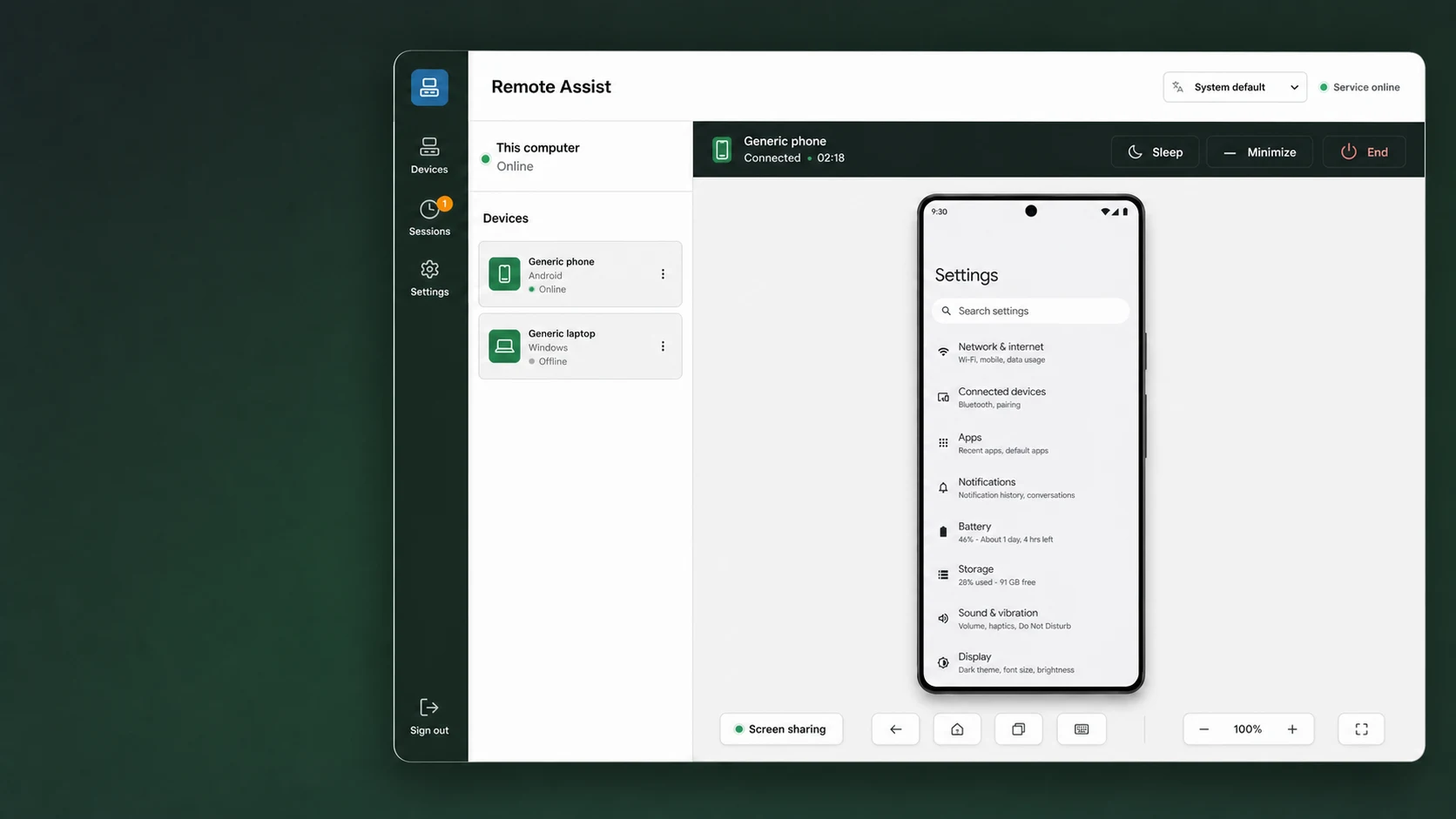
Keep several trusted devices available and move between active sessions without losing your place.
Video adapts to weak networks, then spends available bandwidth sharpening a screen that has stopped moving.
Pause streaming, keep a lightweight heartbeat, and ask the Endpoint to resume when support is needed again.
Tap, drag, long-press, pinch to zoom, type into focused fields, and use familiar navigation controls.
Trusted device identity, bounded replay, and connection recovery help sessions survive temporary network trouble.
Rename or remove devices, minimize active sessions, and close session history when assistance is complete.
Install Controller where help begins. Install Endpoint on the phone or computer receiving assistance.
See enrolled devices, rename them, open multiple sessions, tap, drag, zoom, type, sleep, resume, minimize, or end assistance.
Get Controller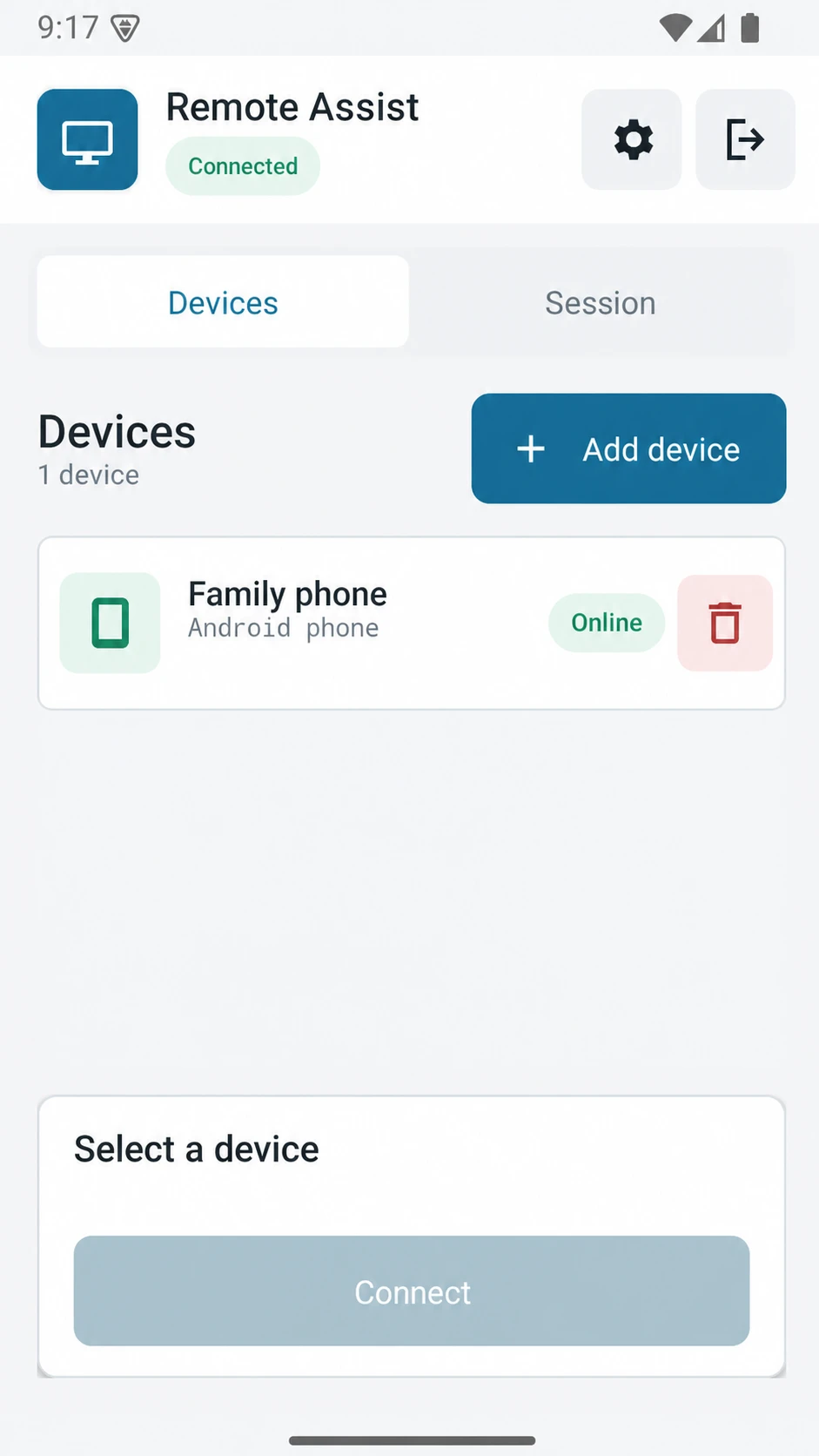
The person receiving help sees readiness, permissions, identity, and active assistance in one clear place.
Get Endpoint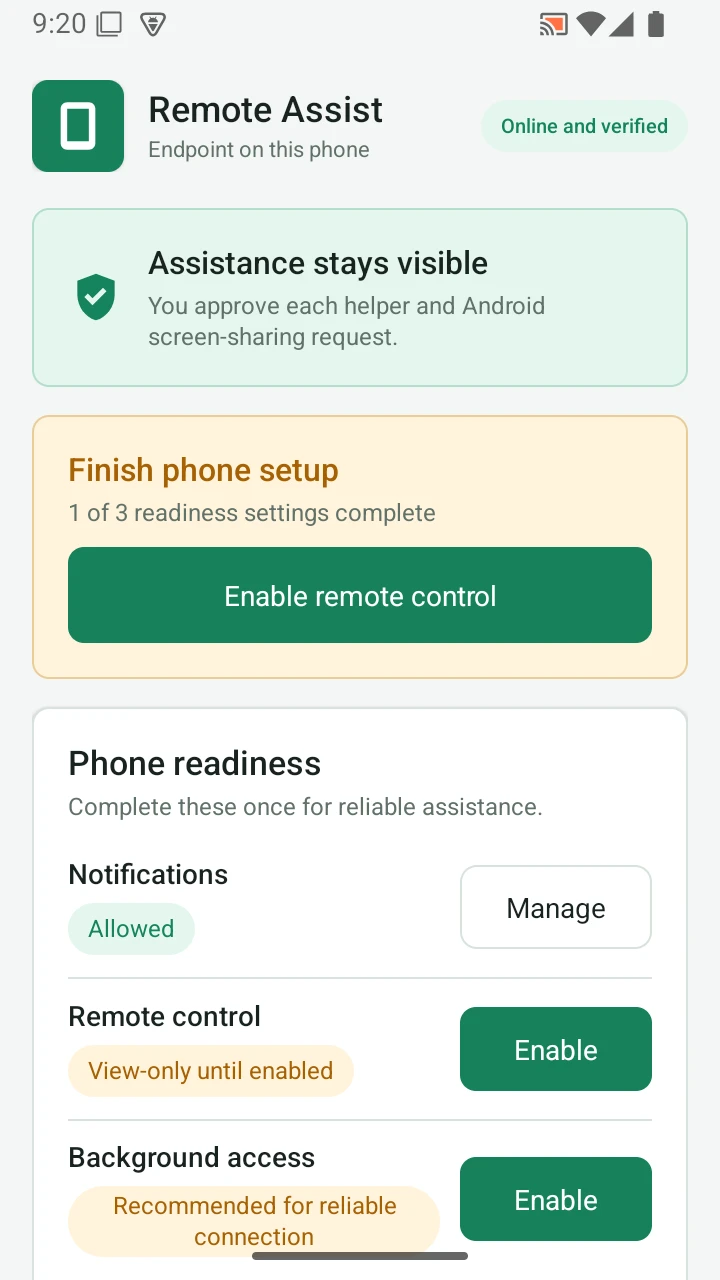
Use Google or email and password in Controller. This account keeps every enrolled device separate from other customers.
Enter the short setup key shown on the receiving device. Its installation identity is then remembered securely.
Choose the device and connect. The Endpoint shows who is asking, opens the required permission screens, and starts sharing only after approval.
Controller belongs with the helper. Endpoint belongs on the device receiving help. The rest takes only a few guided steps.
Remote Assist removes repeated account setup while preserving the approval and screen-sharing prompts required by each operating system.
Read the security answersEvery enrolled device proves possession of its private key. An unexpected identity change requires enrollment again.
Screen video and input travel over encrypted peer channels, while the service coordinates authenticated sessions.
Endpoint status stays visible. Android and Apple capture prompts cannot be silently bypassed by the app.
The service relays session coordination and does not provide cloud video recording in this release.
Each app follows its operating system while sharing the same account, device, session, and language model.
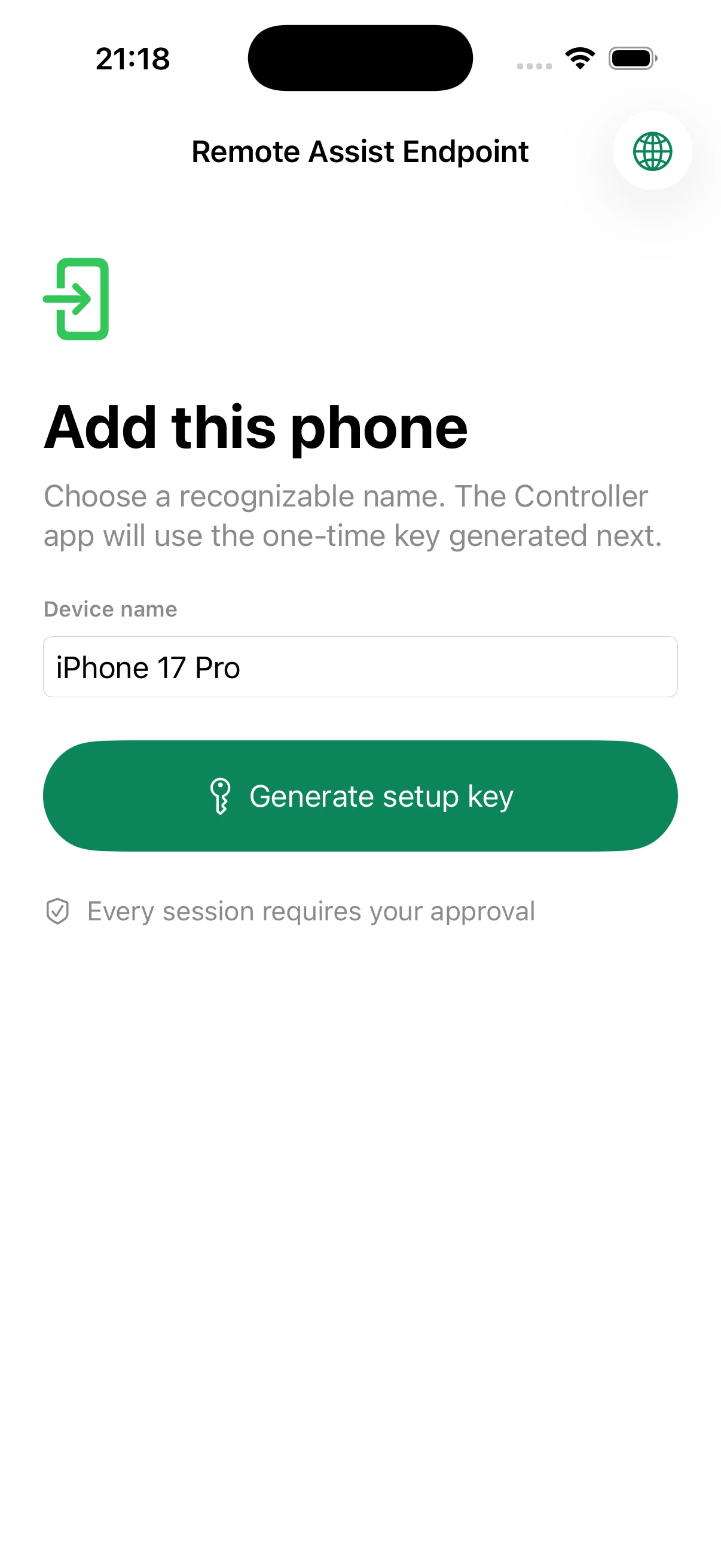
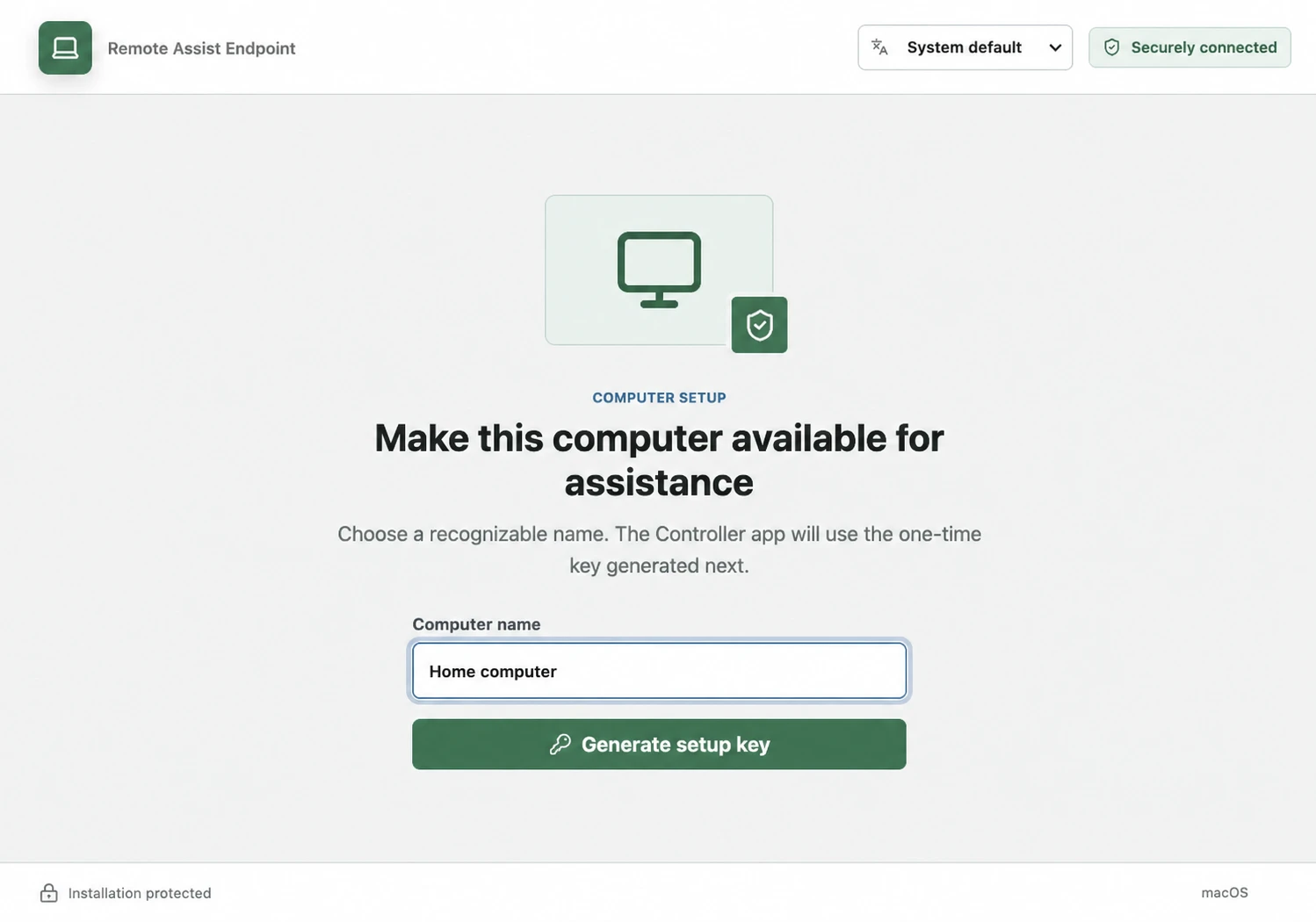
Choose Controller when you provide help. Choose Endpoint for the phone or computer that receives help.
Most helpers install Controller on their own device and Endpoint on every phone or computer they support. You can use both roles with the same account.
Every plan includes secure enrollment, approved remote control, adaptive video, sleep and resume, and access from supported Controller apps.
For helping a few people you know.
More room for families and independent helpers.
Shared capacity for a growing support team.
High-capacity support for managed fleets.
When checkout is available, subscribe to paid plans securely with PayPal from Account & plans.
Remote access should be understandable. These are the important limits and expectations.
Yes. The one-time setup key enrolls that installation. Later account access is automatic until the device is removed, its identity changes, or trust is revoked. Operating-system capture consent may still be required.
No. Endpoint status remains visible, and Android, iOS, and macOS enforce their own screen-sharing and permission prompts. Remote Assist does not bypass them.
Android, macOS, Windows, and Linux X11 support approved control within operating-system limits. iOS and Linux Wayland are view-only in this release.
The video profile lowers motion frame rate and resolution before sacrificing control delivery. When movement stops, available bandwidth is used to improve picture detail.
Yes. One Controller account can enroll multiple Endpoints and keep multiple independent sessions open. Each Endpoint accepts one helper session at a time.
It combines one-time enrollment, visible consent, multiple simultaneous sessions, resilient low-bandwidth control, still-screen quality refinement, and native apps across phones and computers.
Install Controller, add the devices you support once, and be ready when someone calls for help.